Save Any Image as a PNG
Turn a JPG, WEBP, HEIC or AVIF into a lossless PNG — with transparency kept wherever the image has it. Free, nothing uploaded.
Your file
Why use this tool
- No file size limit
- Nothing is uploaded
- No signup needed
PNG is the format to reach for when an image is going to be edited, layered or placed over something else. It is lossless, so saving it again never degrades it, and it has a full alpha channel, so transparent backgrounds and soft edges survive.
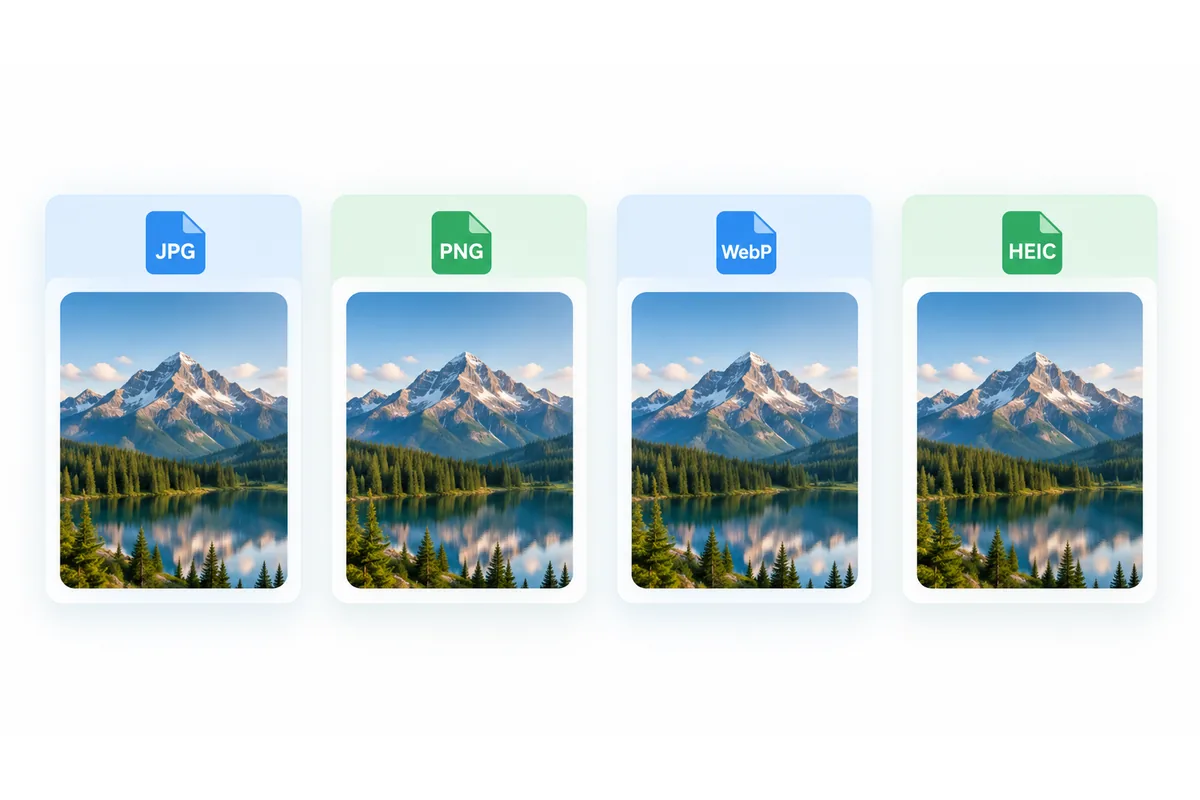
This PNG converter takes JPG, WEBP, HEIC and AVIF files and always writes a PNG. If your image already has transparency — a WEBP or AVIF with a cut-out background, say — every transparent pixel is kept, from input to download. It runs in your browser: no upload, no account, no watermark.
How to convert an image to PNG
Add your image
Drag a JPG, WEBP, HEIC, AVIF or PNG into the box, or click to browse.
Convert to PNG
The output is fixed to PNG. Press Convert to PNG.
Download
The PNG appears with its size next to the original. Transparent areas show on a checkerboard in the preview.
Converting to a transparent PNG
Transparency is carried through the whole conversion: the image is decoded with its alpha channel, drawn onto a transparent canvas and written as a 32-bit PNG. A WEBP sticker, an AVIF logo or a PNG you are re-saving keeps every see-through and semi-transparent pixel exactly.
Converting does not create transparency where there was none. A JPG has no alpha channel, so a JPG converted to PNG is still an opaque rectangle — its white background stays white. To make a background transparent, the subject has to be cut out; the background remover does that with AI and gives you a transparent PNG directly. If the background is one flat color, such as white around a logo, you can also make that color transparent and keep everything else exactly as it is.
Why PNG files are larger
PNG never discards detail, which is exactly why it is right for editing and wrong for sending photos. A photograph converted from JPG to PNG is typically three to five times larger and looks no better, because the detail JPG discarded cannot be recovered.
Use PNG for graphics, screenshots, logos, cut-outs and anything you will keep editing. For photos you are about to share or publish, JPG or WEBP is the better final format.
HEIC to PNG for an iPhone photo
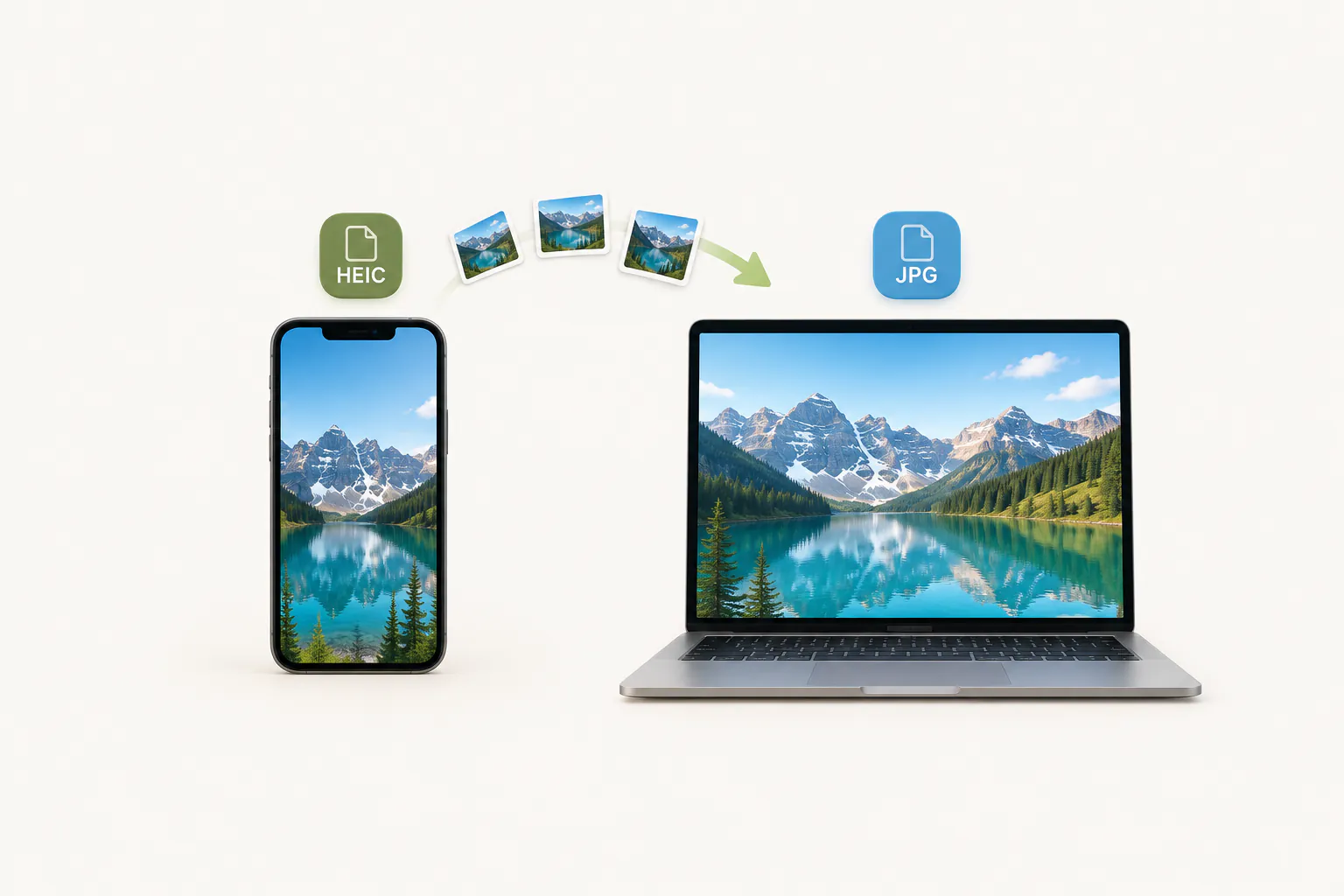
Choose the actual HEIC file in this PNG converter. It exports a single image, not a complete Live Photo or every depth/HDR feature. PNG does not recover detail lost earlier and may be larger than JPG. The format guide helps you choose.
Converting each format to PNG
What PNG adds, and what it cannot.
| From | Transparency | File size |
|---|---|---|
| JPG | None to keep — stays opaque | Larger |
| WEBP | Kept exactly | Larger |
| AVIF | Kept exactly | Much larger |
| HEIC | Opaque, as iPhone photos are | Larger |
| PNG | Kept exactly | Similar |
When to convert to PNG
Editing and design work
PNG can be saved again and again without losing quality, which suits drafts and layered projects.
Keeping a transparent background
WEBP and AVIF cut-outs become PNGs that design tools, slide software and printers all understand.
Screenshots, diagrams and text
Sharp edges and flat color stay crisp in PNG, where JPG would add fringing.
Software that won't open WEBP or AVIF
Older editors and office apps read PNG without complaint.