Convert JPG Photos to a PDF
Turn JPG photos and scans into a PDF with no quality loss — combine several into one file, in any order. Free, in your browser.
Your file
Why use this tool
- No file size limit
- Nothing is uploaded
- No signup needed
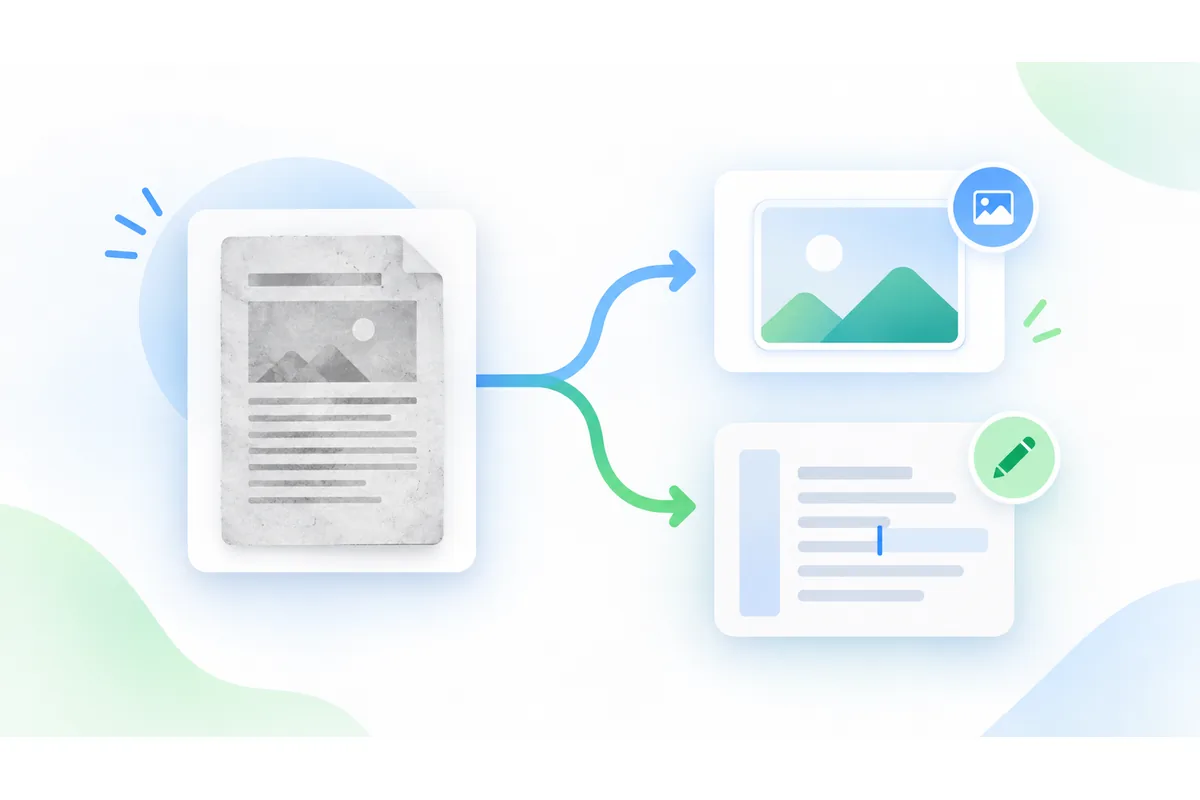
JPG is how phones and scanners save pictures, and PDF is how the rest of the world wants documents delivered. This JPG to PDF converter bridges the two: add one JPG or twenty, arrange them, and download a single PDF with one photo per page.
Your JPGs are not re-compressed. Each one is placed in the PDF exactly as it is, so the pages are as sharp as the photos you started with and the PDF is barely larger than the photos combined. Everything runs in your browser, with no upload, no account and no watermark.
How to convert JPG to PDF
Add your JPG files
Drag the .jpg or .jpeg files into the box, or click to pick several at once.
Arrange the pages
Each JPG becomes a page. Move pages up or down with the arrows, or remove one with the cross.
Convert and download
Choose A4, Letter or Fit to image, press Convert to PDF and download your file.
JPG to PDF without losing quality
Most converters decode each photo and compress it again on the way into the PDF, which softens detail and can add artefacts. Here the original JPG data goes into the PDF untouched: the page you print is the photo you took, pixel for pixel.
The one exception is a photo whose rotation is stored only as a tag, as phones often do. PDF readers ignore that tag, so those photos are redrawn upright at high quality first — otherwise the page would come out sideways. To go the other way and turn PDF pages back into images, use PDF to JPG.
Can you compress a JPG into a PDF?
Putting JPGs into a PDF does not make them smaller on its own: the PDF weighs about the same as the photos inside it. If the PDF has to stay under an email or upload limit, compress the JPGs first — 1 to 2 MB per page is plenty for printing, far less for reading on screen — and then convert them here.
Reducing the photos' dimensions helps even more. A document photographed at 12 megapixels is still perfectly legible at a third of that size. Screenshots and graphics saved as PNG have their own page, PNG to PDF.
JPG compared with PDF
Why the same photos are often wanted as a PDF.
| JPG files | One PDF | |
|---|---|---|
| Several pages | Several separate files | One file, pages in order |
| Printing | Size varies by app | Prints at the page size you chose |
| Accepted by forms | Often | Almost always for documents |
| Image quality | Original | Original — JPGs are not re-compressed |
When to convert JPG to PDF
Applications and official forms
Photographed IDs, diplomas and payslips, combined into the single PDF the form asks for.
Scanned documents
Scanner apps that save JPGs can still give you a proper multi-page PDF.
Photo reports
Site visits, inspections or damage reports as one tidy PDF instead of a folder of photos.
Sending photos to print
A PDF with fixed page sizes prints the way you intended on any printer.