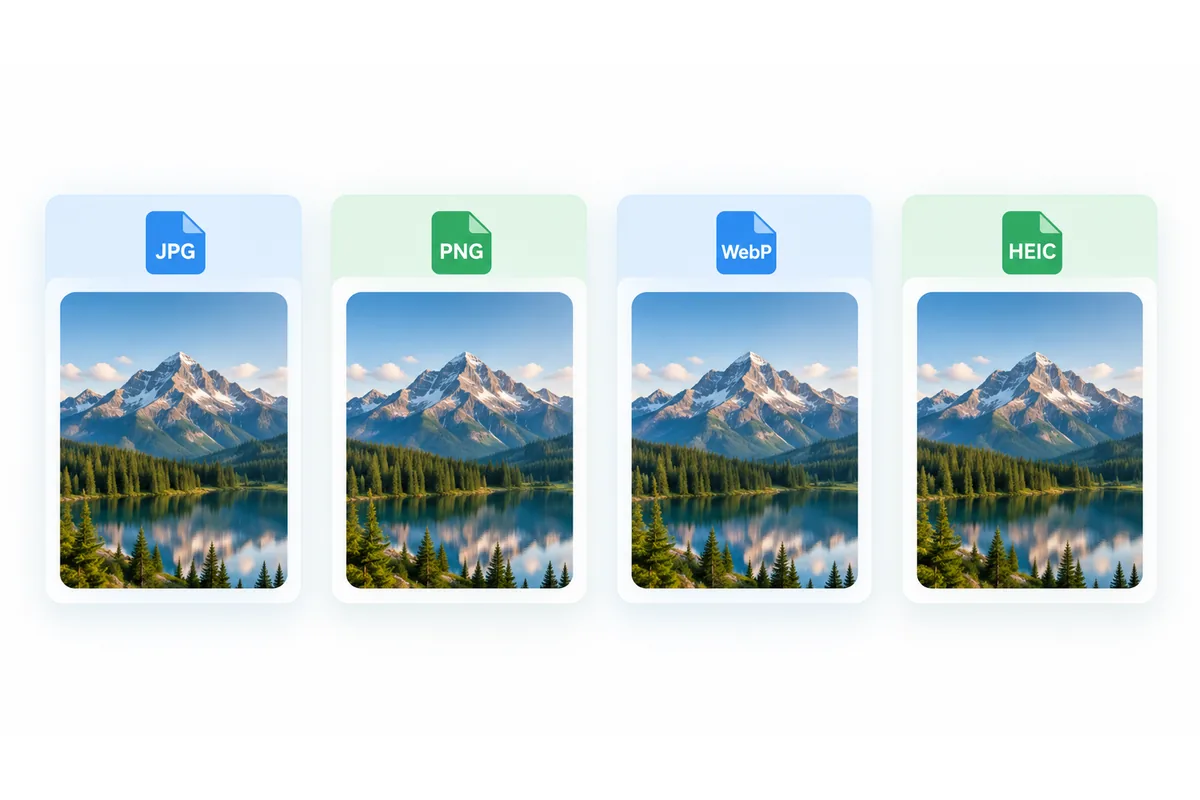
Convert JPG to PNG
Convert a JPG to lossless PNG in your browser, free and with no signup. Converting does not make the background transparent; for that, use Remove Background first.
Your file
Why use this tool
- No file size limit
- Nothing is uploaded
- No signup needed
Want a transparent background? Converting won't remove one, so start with Remove Background: it cuts the subject out on your device and saves a transparent PNG. PNG stores every pixel exactly as it is and carries an alpha channel, which is why design tools, documentation and anything headed for further editing tend to want it. Converting a JPG to PNG stops any more detail being thrown away each time the file is saved.
The conversion runs in your browser with the Canvas API. Your file is never uploaded, there is no size limit or account, and the PNG you download has nothing added to it.
How to convert JPG to PNG
Add your JPG
Drag the .jpg or .jpeg file into the box, or click to browse. WEBP and HEIC files work here too.
Check that PNG is selected
PNG is already chosen. WEBP is worth considering if the file is for a web page: it is lossless too and far smaller.
Convert and download
Press Convert to PNG and download the result.
What converting to PNG does, and what it does not
It stops further loss. Every time a JPG is opened, edited and re-saved it is re-compressed and loses a little more detail. A PNG is lossless, so once the image is in PNG it can be saved as many times as you like without degrading.
It does not undo the loss already there. A JPG has already discarded detail, and converting to PNG stores that image faithfully rather than restoring anything. Compression artefacts, blocky skies and soft edges come across exactly as they were — the PNG just stops them getting worse.
It does not create transparency either. A JPG has no transparent pixels, so the PNG comes out fully opaque. What the PNG gives you is somewhere to put transparency once you cut something out — which is why converting to PNG is a normal first step before editing a subject out of a photo.
Expect a much larger file
This is the one surprise. A PNG made from a photograph is commonly three to five times the size of the JPG it came from, because lossless storage of a detailed photo is simply expensive — and the JPG's own compression artefacts have to be stored faithfully too.
That is fine for an editing master or a file you are about to work on. It is the wrong choice for a web page or an email attachment: use WEBP there, which is lossless when you want it to be and a fraction of PNG's size.
JPG compared with PNG
Same picture, different priorities — and a large difference in file size.
| JPG | PNG | |
|---|---|---|
| Compression | Lossy | Lossless |
| Transparency | No | Yes |
| Re-saving repeatedly | Degrades each time | Never degrades |
| Photographs | Small files | Three to five times larger |
| Editing master | Poor | Good |
| Support | Universal | Universal |
When to convert a JPG to PNG
Before editing a photo
Working in PNG means repeated saves cost you nothing, where a JPG loses a little quality every round trip.
Before cutting out a subject
A cut-out needs an alpha channel to store transparency, and JPG has none.
Design software and documentation
Plenty of design tools, wikis and documentation pipelines expect PNG and handle it most predictably.
Screenshots and diagrams saved as JPG
They should have been PNG in the first place. Converting stops them degrading further, though the existing fringing stays.