Convert PNG to JPG
Change a PNG into a JPG and cut the file size — without uploading anything or signing up.
Your file
Why use this tool
- No file size limit
- Nothing is uploaded
- No signup needed
PNG stores every pixel exactly as it is, which is ideal for logos, screenshots and graphics but expensive for photographs: a PNG photo is commonly three to five times the size of the same picture as a JPG. Converting to JPG is the fastest way to make it manageable, and JPG is the format upload forms and older software expect.
The conversion happens inside your browser. Your file is not uploaded, there is no size limit, no account to create, and the JPG you download has nothing added to it.
How to convert PNG to JPG
Add your PNG
Drag the .png file into the box, or click to browse.
Check that JPG is selected
JPG is already chosen. WEBP is worth a thought if the file is for a website — it is smaller again and keeps transparency.
Convert and download
Press Convert to JPG. The JPG appears next to the original with its new size, ready to download.
PNG and JPG are built for different images
PNG is lossless: it reproduces the original pixel for pixel, and it supports transparency. That makes it right for logos, icons, screenshots, charts, diagrams and anything with hard edges or large flat areas of color, where lossy compression leaves visible fringing.
JPG is lossy: it discards detail the eye is least likely to miss. On photographs the result is indistinguishable at normal size and far smaller. On flat graphics and text it is the opposite — the artefacts are exactly where you look.
So converting a photograph from PNG to JPG is almost always the right call. Converting a screenshot of text, a logo or a line chart usually is not: keep it as a PNG, or use WEBP if you need it smaller and still sharp.
What happens to transparency
JPG has no alpha channel — it cannot record which pixels are see-through. When a transparent PNG is converted, the transparent areas are filled with white.
If transparency matters, convert to WEBP instead. It keeps the alpha channel, is read by every current browser, and produces a file smaller than either the PNG or the JPG.
How much smaller will the JPG be?
For a photograph, expect a JPG somewhere between a fifth and a third of the PNG's size. For a screenshot or a flat graphic the saving is smaller and the quality cost is larger, which is the trade-off to weigh before converting.
If the JPG is still bigger than you need, compress it or resize it. Reducing the dimensions usually removes far more weight than any quality setting will.
PNG compared with JPG
Both are universally supported. What differs is what they are good at.
| PNG | JPG | |
|---|---|---|
| Compression | Lossless | Lossy |
| Transparency | Yes | No |
| Photographs | Very large files | Small files, no visible loss |
| Logos, text and screenshots | Stays sharp | Visible fringing on edges |
| Re-saving repeatedly | No degradation | Degrades a little each time |
| Support | Universal | Universal |
When to turn a PNG into a JPG
A file is too big to send
Photo-heavy PNGs routinely run to 10 MB or more. The JPG will be a fraction of it.
A form rejects your file
Plenty of upload forms accept JPG and nothing else, whatever the instructions say.
Photos on a web page
A PNG photograph is one of the most common causes of a slow page. JPG or WEBP fixes it.
Printing and photo services
Print labs, photo books and poster services are built around JPG.
Frequently asked questions
How do I change a PNG to JPG?
Will the JPG look as good as the PNG?
Can Paint or Photos on Windows save a PNG as JPG?
Is Preview enough to turn a PNG into a JPG on a Mac?
How do I convert PNG to JPG on a phone?
What's the best free PNG to JPG converter?
Should I convert to JPG or WEBP?
Do my PNG files stay on my computer?
From the blog
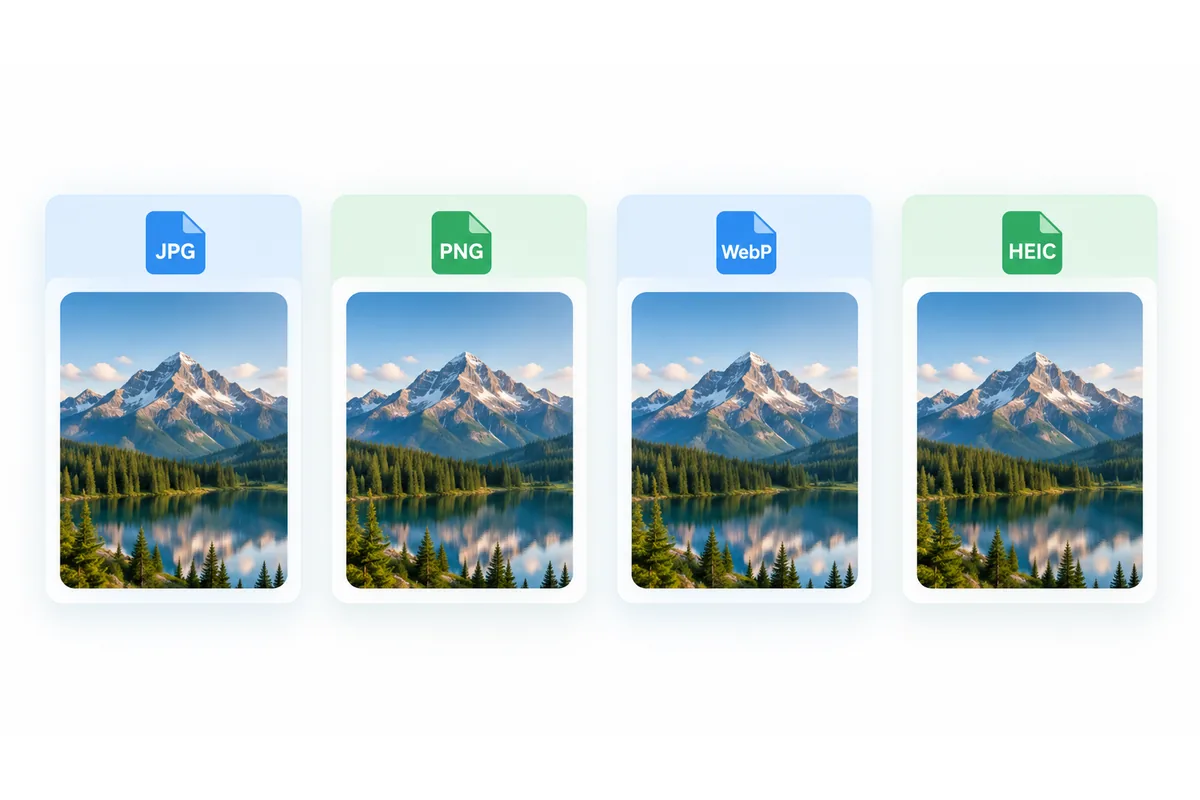
Image formats
JPG, PNG, WebP or HEIC: which image format should you use?
4 min read
Read the article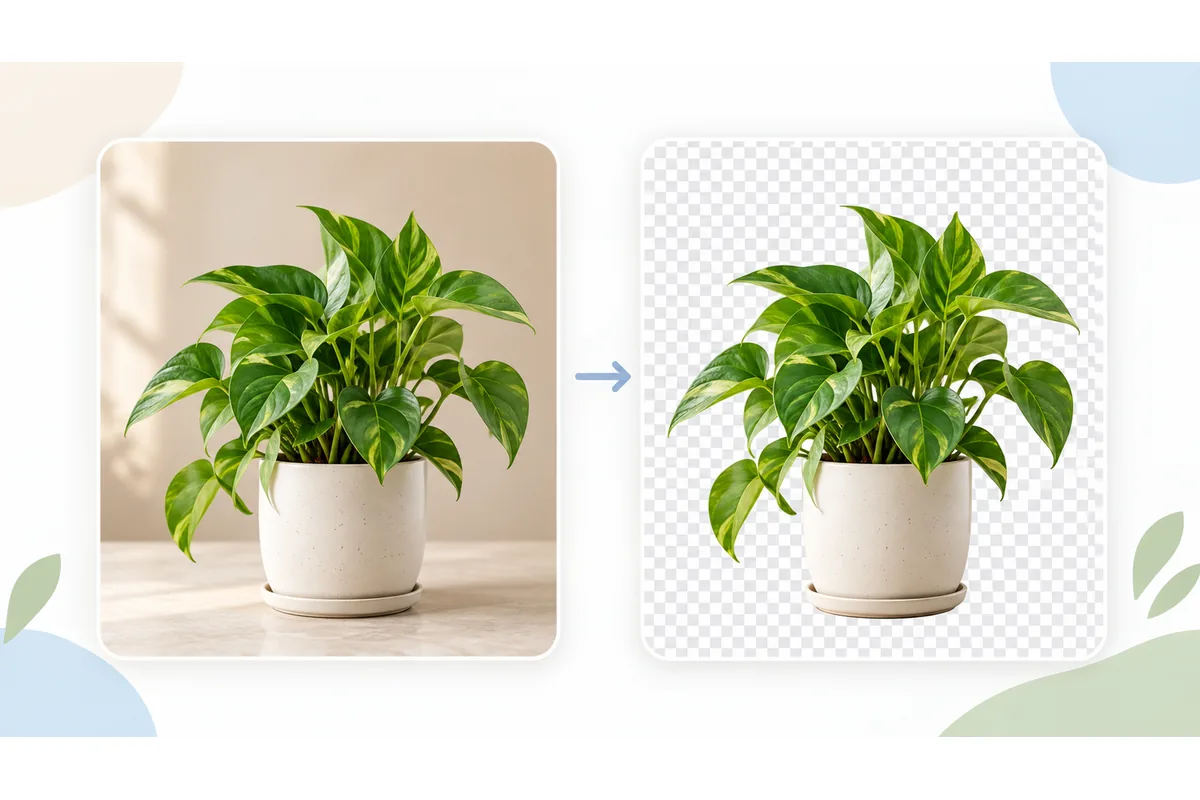
Background removal
How to remove image backgrounds and refine transparent PNGs
5 min read
Read the article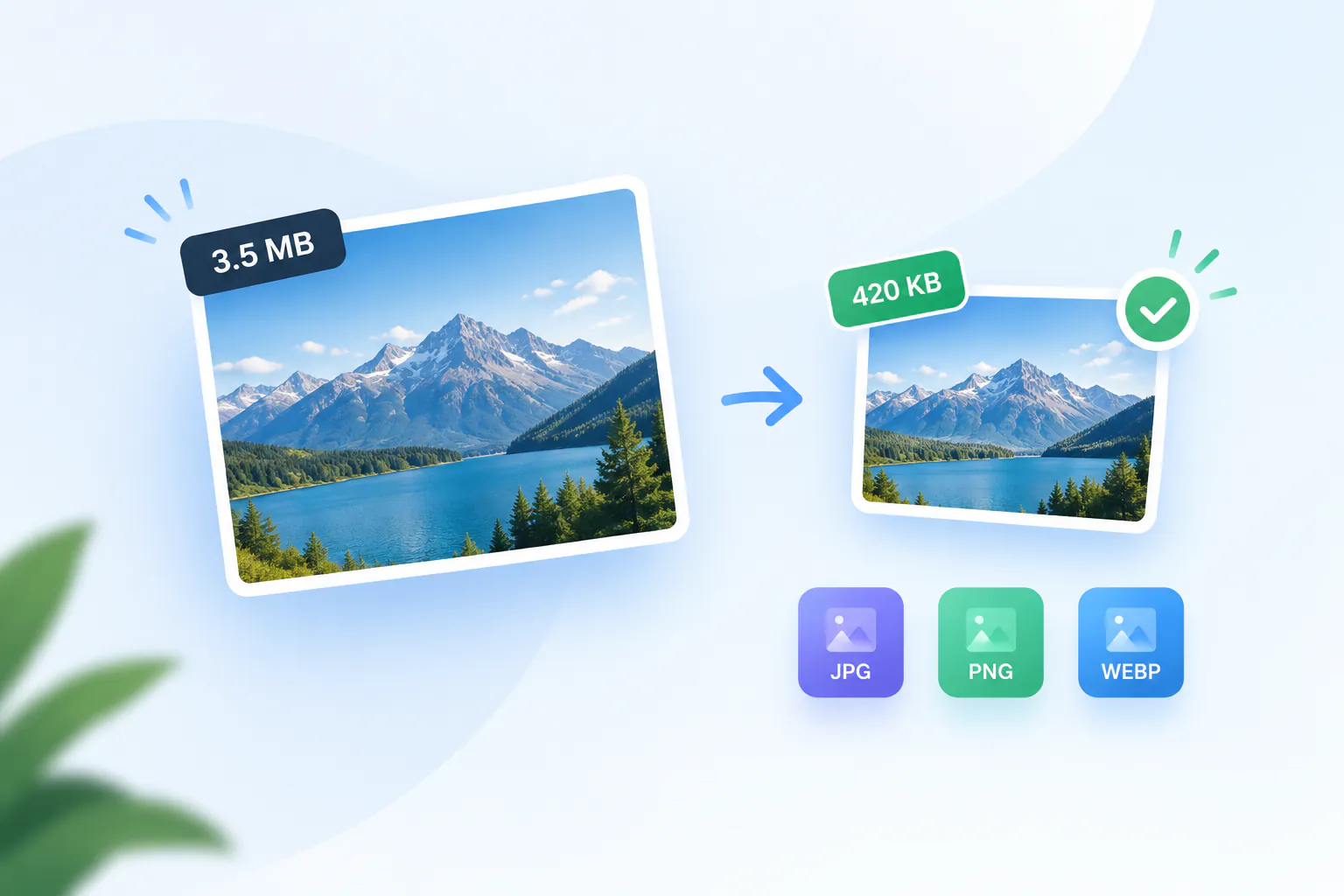
Image compression
How to reduce image file size: KB, pixels and quality
4 min read
Read the article