JPG Converter for PNG, WEBP, HEIC and AVIF
Turn a PNG, WEBP, HEIC or AVIF into a JPG that every app, printer and upload form accepts. Free, in your browser.
Your file
Need several edits in one place? Open the Photo Editor to crop, adjust colors and add text before exporting.
Why use this tool
- No file size limit
- Nothing is uploaded
- No signup needed
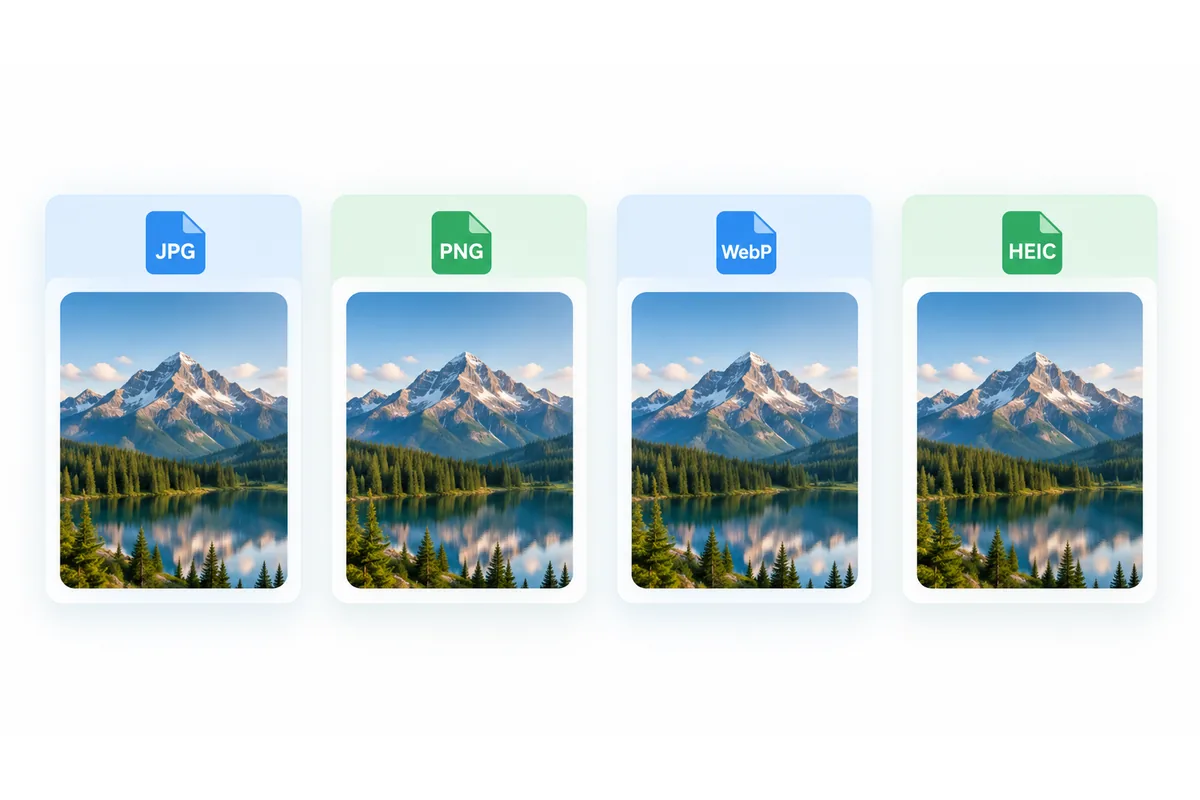
Whatever format an image arrives in — a PNG screenshot, a WEBP saved from a website, a HEIC photo from an iPhone or an AVIF from an image CDN — JPG is the one format that is guaranteed to open everywhere. It is what upload forms ask for, what print services expect and what every photo app on every system reads.
This JPG converter takes any of those formats and gives you a JPG. It runs in your browser: nothing is uploaded, there is no file size limit, no account and no watermark. The output is always JPG, so there is nothing to choose — add the image and convert.
How to convert an image to JPG
Add your image
Drag a PNG, WEBP, HEIC, AVIF or JPG file into the box, or click to browse. The format is detected from the file itself.
Convert to JPG
The output is fixed to JPG. Press Convert to JPG.
Download
The JPG appears with its size next to the original's. Download it, or start over with the next image.
What happens to each format
A PNG, WEBP, HEIC or AVIF is decoded and written as a JPG at a high quality setting, at the same dimensions. On photographs the result is indistinguishable from the original at normal size, and usually much smaller than a PNG.
A file that is already a JPG — including one named .jpeg or .jfif — is not re-encoded. It passes through untouched under a .jpg name, so it loses nothing.
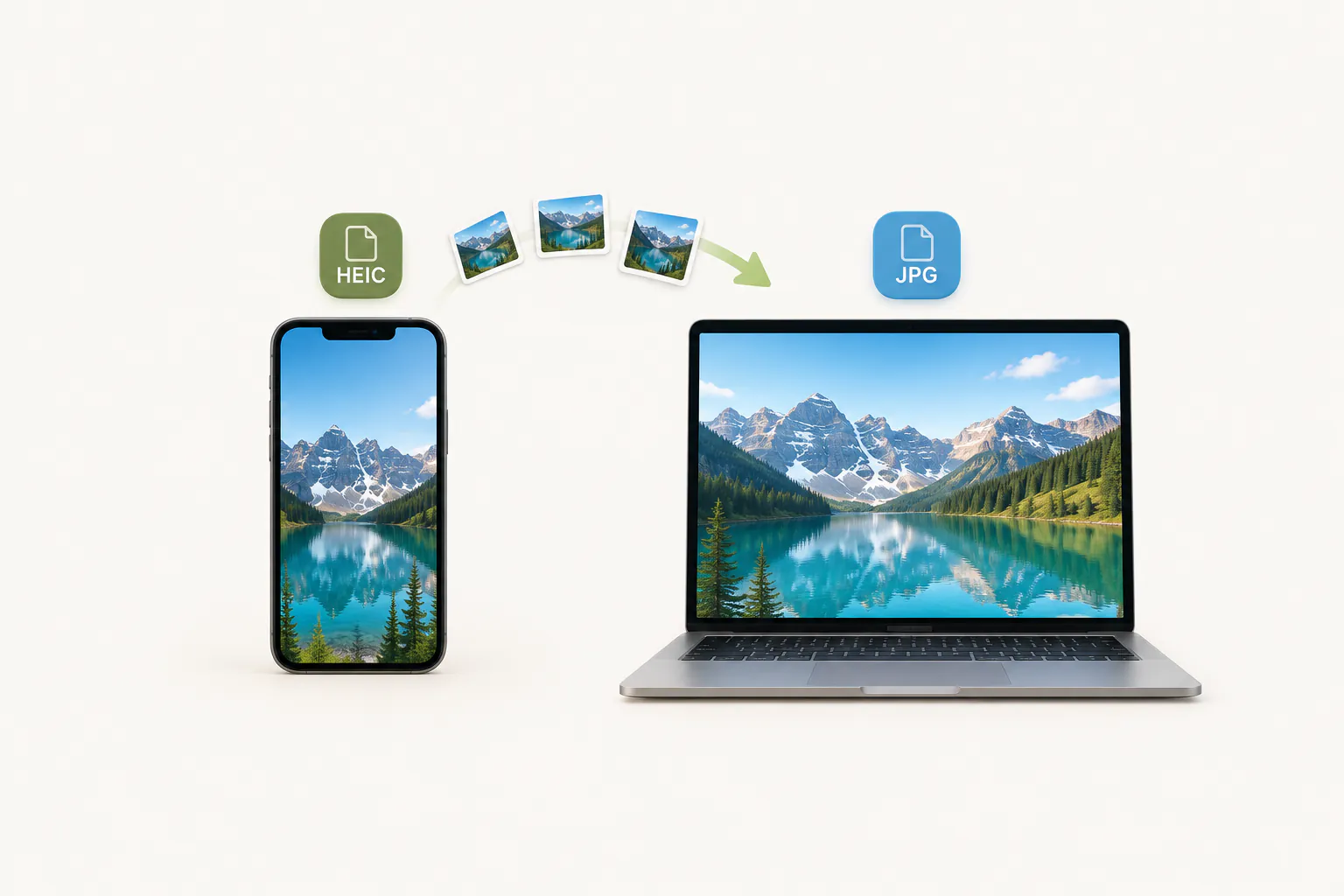
HEIC photos from an iPhone or iPad are decoded in the browser too, so you can convert them on Windows or Android without installing anything. A .jfif file is already a JPEG: JFIF to JPG just renames it, without re-encoding.
Transparency and JPG
JPG has no alpha channel, so it cannot record see-through pixels. When a transparent PNG, WEBP or AVIF is converted, the transparent areas are filled with white — which is usually what a document, a print or an upload form needs anyway.
If the transparency must survive, convert the image to PNG or WEBP instead. Both keep it. For a single source format there are dedicated pages too: WebP to JPG, AVIF to JPG and JFIF to JPG.
Converting each format to JPG
What to expect from the most common starting points.
| From | Typical reason | What changes |
|---|---|---|
| PNG | File too large, form wants JPG | Much smaller; transparency becomes white |
| WEBP | Image saved from a website | Opens everywhere; transparency becomes white |
| HEIC | iPhone photo on Windows or Android | Opens everywhere; size roughly doubles |
| AVIF | Image saved from a modern website | Opens everywhere; larger file |
| JPG / JPEG | Extension needs to be .jpg | Nothing — the file is passed through |
When you need a JPG
Upload forms
Applications, marketplaces and government portals often accept JPG and nothing else.
Printing and photo services
Print labs, photo books and poster services are built around JPG.
Sharing with anyone
A JPG opens on every phone, computer and messaging app without a second thought.
Documents and slides
Word, PowerPoint and Google Docs all handle JPG reliably, including older versions.