Compress JPG Online
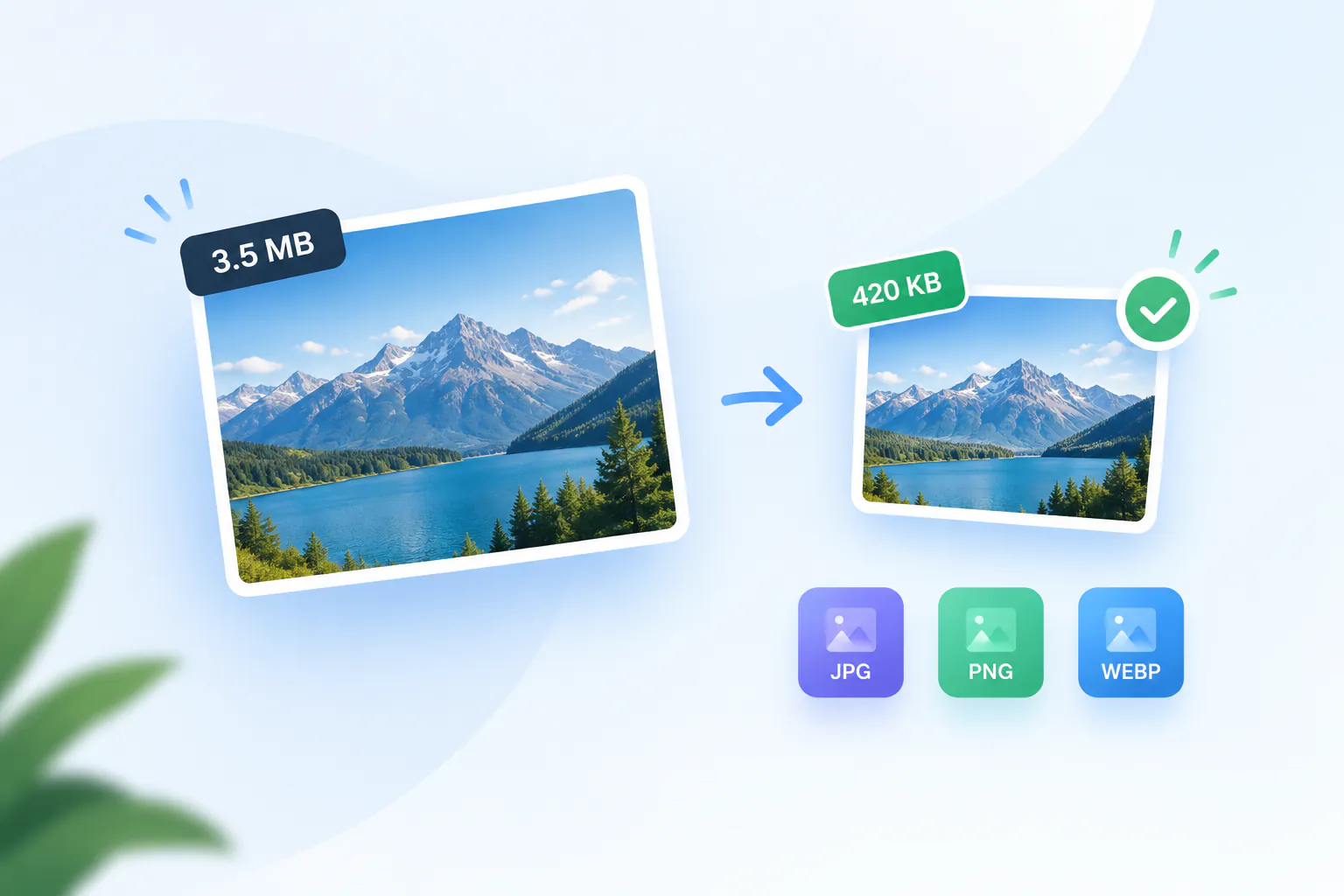
Reduce JPG and JPEG file size by up to 80% with no visible quality loss — and get a JPG back. Free, in your browser.
Your file
Why use this tool
- No file size limit
- Nothing is uploaded
- No signup needed
JPG is the format cameras and phones save photos in, and the one upload forms, email and print services expect. It is also the format that compresses best: because JPEG is lossy by design, lowering its quality setting a little removes a lot of weight. A 5 MB photo straight off a phone commonly comes back between 500 KB and 1.5 MB and looks the same at normal size.
This JPG compressor only takes JPG and JPEG files and always hands back a JPG, so nothing changes format behind your back. It runs entirely in your browser: the photo is not uploaded, there is no size limit beyond your device's memory, no account and no watermark.
How to compress a JPG
Add your JPG
Drag a .jpg or .jpeg file into the box, or click to browse. On a phone you can pick it straight from your photo library.
Set the quality
80% is set for you and suits most photos. Slide lower for a smaller file, higher to keep more fine detail.
Compress and download
Press Compress JPG. The result shows the new size and the percentage saved before you download, so you can try another setting first.
JPG and JPEG are the same format
The two names describe one standard from the Joint Photographic Experts Group. The shorter .jpg extension dates from early versions of Windows, which only allowed three letters; Macs and Linux used .jpeg. Compressing a JPEG and compressing a JPG is therefore the same job, and this page treats both identically.
Your file keeps its format: a JPG goes in and a JPG comes out, named after the original with “-compressed” added, so the two are easy to tell apart in your downloads.
How much can you compress a JPG without losing quality?
JPEG compression discards detail the eye is least likely to notice — fine texture in busy areas, subtle color variation — and the quality setting decides how much. Between 75% and 90%, almost every photograph looks identical to the original at normal viewing size while losing half or more of its weight.
Below about 60% the compromises start to show: soft edges, blocky patches in skies and flat walls, and faint halos around high-contrast lines. Text, screenshots and logos show them sooner than photos do, so give those a higher setting.
Every JPEG save is a new lossy pass. Compress once from the best copy you have, rather than compressing an already-compressed file again and again.
Quality slider or target size?
The page opens on the quality slider at 80%. Use it when you care about how the photo looks and the size can follow: move it, compress, compare, repeat.
Switch to Target file size when a form or service gives you a number. Tap 100 KB, 200 KB, 500 KB, 1 MB or 2 MB, or type your own, and the compressor works out the quality for you. It is the quicker route whenever the limit is fixed and the look of the photo only has to be good enough.
Getting under 1 MB, 500 KB or 100 KB
Many forms cap uploads at 1 MB, 500 KB or even 100 KB. Quality alone usually gets a phone photo under 1 MB. For the smaller limits, the dimensions matter more than the quality setting: a 4000-pixel-wide photo has sixteen times the pixels of a 1000-pixel one.
So if the result is still too big, resize the photo first — 1600 or 2000 pixels on the long side is plenty for the web and for email — then compress it here. The two savings multiply, and the result card tells you the exact size before you download.
Which JPG quality to choose
A rough guide for a typical phone photo. Results vary with the picture, which is why the exact size is shown before you download.
| Quality | Typical saving | Good for |
|---|---|---|
| 90–100% | 10–30% | Printing, archiving, photos you will edit again |
| 75–90% | 40–70% | Websites, online shops, email — the usual choice |
| 60–75% | 70–80% | Upload limits, messaging, social posts |
| Below 60% | 80% or more | Thumbnails and previews where artefacts don't matter |
When to compress a JPG
An upload form rejects the file
Job applications, government portals and marketplaces often cap JPGs at 1 or 2 MB. Compressing is the quickest fix.
Photos on a website
Oversized JPGs are one of the most common reasons a page loads slowly. Lighter photos mean faster pages and better Core Web Vitals.
Emailing a batch of photos
Attachment limits add up fast with full-size camera photos. Compressed JPGs fit several to an email.
Freeing up storage
Compressing photos you keep for reference, rather than print, saves a lot of space in cloud storage and on your phone.