Convert JPG to WEBP
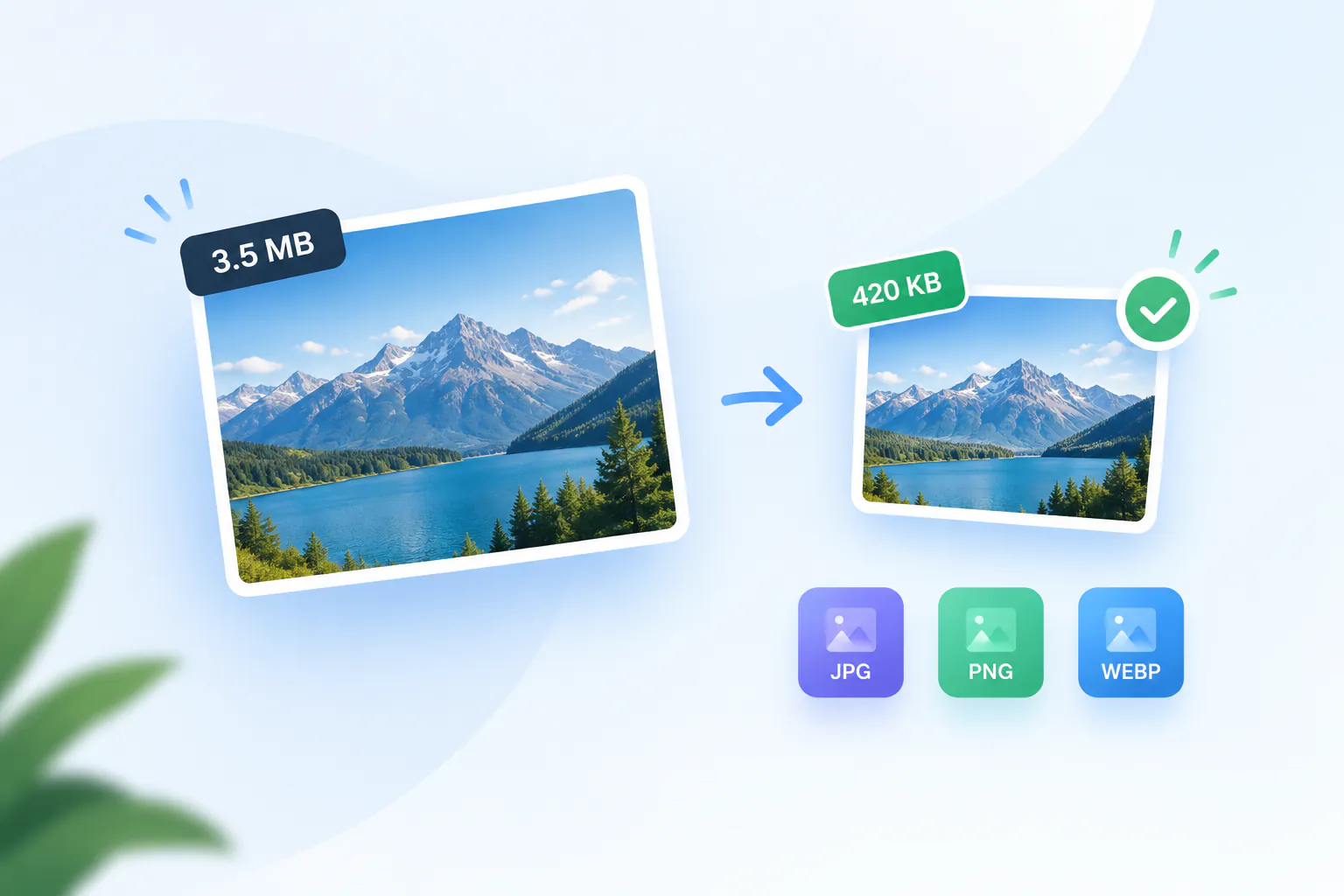
Make your web images 25–35% lighter without visible quality loss. Converts in your browser — nothing uploaded.
Your file
Why use this tool
- No file size limit
- Nothing is uploaded
- No signup needed
WEBP does the same job as JPG in less space. For the same visual quality it is typically a quarter to a third smaller, which on an image-heavy page is the difference between a fast site and a slow one. Every current browser supports it, and Google's own PageSpeed report asks for it by name.
This converter re-encodes your JPG as WEBP in your browser. No upload, no account, no watermark, and no limit on how many files you run through it.
How to convert JPG to WEBP
Add your JPG
Drag the .jpg or .jpeg file into the box, or click to browse. PNG and HEIC files work here too.
Check that WEBP is selected
WEBP is already chosen. JPG and PNG are there if you change your mind.
Convert and download
Press Convert to WEBP. The result appears with its new size next to the original, so you can see exactly what you saved.
Why convert to WEBP
WEBP was designed for the web. At the same perceived quality it is usually 25–35% smaller than a JPG, and it can also replace PNG losslessly while keeping transparency — so one format covers both jobs.
Smaller images load sooner, and the largest image on a page is very often the element Google measures for Largest Contentful Paint. Converting photographs to WEBP is one of the few optimizations that improves that score without changing anything about how the page looks.
Browser support is no longer a concern: Chrome, Edge, Firefox, Safari and every mobile browser in current use read WEBP. The gap is outside the browser, where some desktop software and upload forms still reject it — which makes WEBP a delivery format rather than an archive format.
What the conversion does to your file
The JPG is decoded and re-encoded as WEBP at a high quality setting. Dimensions do not change, and at normal viewing size the two are indistinguishable.
This is a second lossy encode, so in theory a little more detail is discarded. In practice, at the quality used here, the result is visually identical — but convert from the best original you have rather than from a copy that has already been compressed hard.
A JPG has no transparency to preserve, so nothing is lost there. Converting a transparent PNG to WEBP does keep its alpha channel.
EXIF metadata is dropped, which is normal for images headed to a web page and makes the file a little smaller again.
Serving WEBP on a website
Because a few visitors and tools still cannot read WEBP, the safe pattern is to offer both: a picture element with a WEBP source and a JPG fallback, or a CDN that negotiates the format per request. Most modern frameworks and image CDNs do this for you.
Convert, then check the numbers on the result card. If a particular image comes out barely smaller, it was probably already compressed hard as a JPG — there is nothing left to gain and the JPG is fine as it is.
WEBP uploads on WordPress
WordPress has accepted WEBP uploads since version 5.8, released in 2021, so a converted file goes into the media library the same way a JPG does. Keep the JPG as your master copy in case a plugin or theme still expects it.
To resize a photo to 1600 pixels and save it as a light WEBP in one step, use Compress Image for WordPress instead of converting first and compressing second.
JPG compared with WEBP
Same picture, different priorities.
| JPG | WEBP | |
|---|---|---|
| Typical file size | Baseline | 25–35% smaller |
| Compression | Lossy | Lossy or lossless |
| Transparency | No | Yes |
| Browser support | Universal | Every current browser |
| Desktop and print software | Universal | Patchy |
| Best used as | A file you send or archive | A file you serve on a page |
When to convert JPG to WEBP
Speeding up a website
Swapping JPGs for WEBP cuts image weight by roughly a third with no visible change on screen.
Fixing a PageSpeed warning
"Serve images in next-gen formats" is Lighthouse asking for exactly this conversion.
Cutting bandwidth costs
On a high-traffic site, a third off every image is a third off the bandwidth bill.
App and email assets
Anywhere you control the client and know it can read WEBP, the smaller file is free performance.