Convert PNG to WEBP
Turn heavy PNGs into light WEBP files for the web — transparency kept, nothing uploaded, no signup.
Your file
Why use this tool
- No file size limit
- Nothing is uploaded
- No signup needed
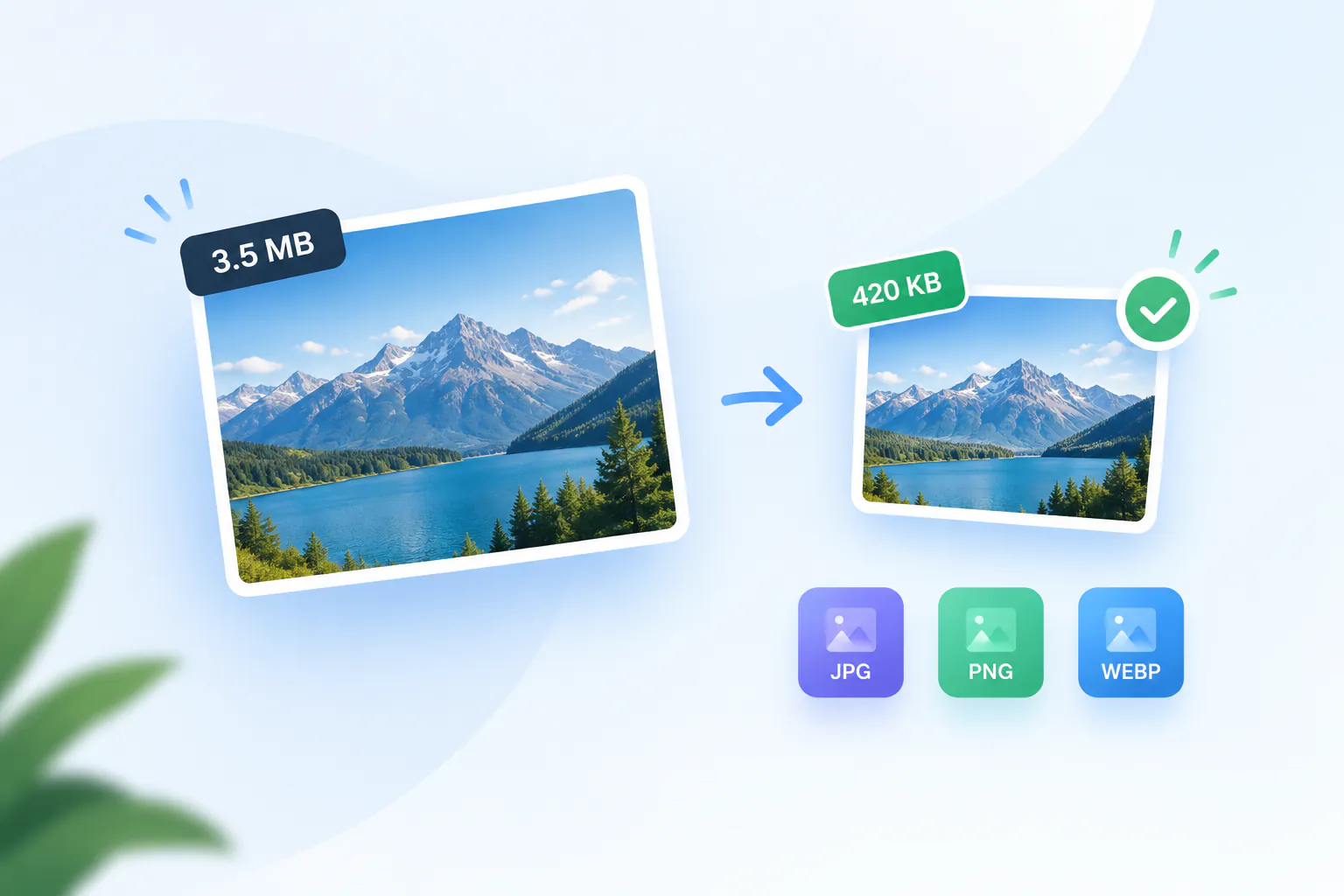
PNG is the right format for editing, but it is one of the most expensive ways to put an image on a web page. WEBP was designed to replace it there: the same picture, the same transparent background, in a file that is usually a small fraction of the size. Photographs and large illustrations saved as PNG commonly shrink by 70% or more.
This PNG to WEBP converter works in your browser. Your file is not uploaded, there is no size limit, no account, and the WEBP you download has nothing added to it.
How to convert PNG to WEBP
Add your PNG
Drag the .png file into the box, or click to browse. Transparent PNGs work too.
Check that WEBP is selected
WEBP is already chosen. JPG and PNG are one click away if you change your mind.
Convert and download
Press Convert to WEBP. The WEBP appears with its size next to the original's, ready to download.
Why convert PNG to WEBP
Images are usually the heaviest part of a page, and the largest one is often what Google measures for Largest Contentful Paint. Replacing PNG graphics and photos with WEBP is one of the simplest ways to make a site load faster, and it clears the PageSpeed Insights advice to deliver images in a modern format.
Unlike JPG, WEBP keeps an alpha channel. That makes it the natural replacement for transparent PNGs — logos, product cut-outs, stickers and UI graphics — where switching to JPG would fill the background with white.
What the conversion does to your image
The PNG is decoded and written as WEBP at a high quality setting, with the same dimensions. WEBP at this setting is lossy, so it is not a pixel-for-pixel copy, but on photographs and illustrations the two are indistinguishable at normal size. Very fine text in screenshots can soften slightly; keep those as PNG if every pixel matters.
Transparent and semi-transparent areas are kept. Nothing is uploaded and no metadata is added.
Where WEBP works
Chrome, Edge, Firefox, Safari and every current mobile browser display WEBP, and WordPress, Shopify, Squarespace and Wix accept it. Some older desktop software and upload forms still expect PNG or JPG, so keep the original PNG as your editable master and use the WEBP for publishing.
PNG compared with WEBP
Both handle transparency. The difference is weight, and where each is at home.
| PNG | WEBP | |
|---|---|---|
| Compression | Lossless | Lossy or lossless |
| Transparency | Yes | Yes |
| Photos and large graphics | Very large files | Much smaller files |
| Browser support | Universal | All current browsers |
| Editing software | Universal | Most current apps |
| Best used for | Editing and archiving | Publishing on the web |
When to turn a PNG into a WEBP
Speeding up a website
Swap PNG hero images, banners and illustrations for WEBP and the page gets noticeably lighter.
Transparent logos and cut-outs
Keep the see-through background that JPG would lose, at a fraction of the PNG's weight.
Online shop product images
Product photos with the background removed are often PNGs. WEBP keeps them clean and loads faster.
Fixing a PageSpeed warning
When PageSpeed Insights flags images that could be delivered in a modern format, converting them to WEBP is the fix.