Rotate a PDF
Turn pages the right way up and save them that way. Nothing is uploaded — the rotation happens in your browser.
Your file
Why use this tool
- No file size limit
- Nothing is uploaded
- No signup needed
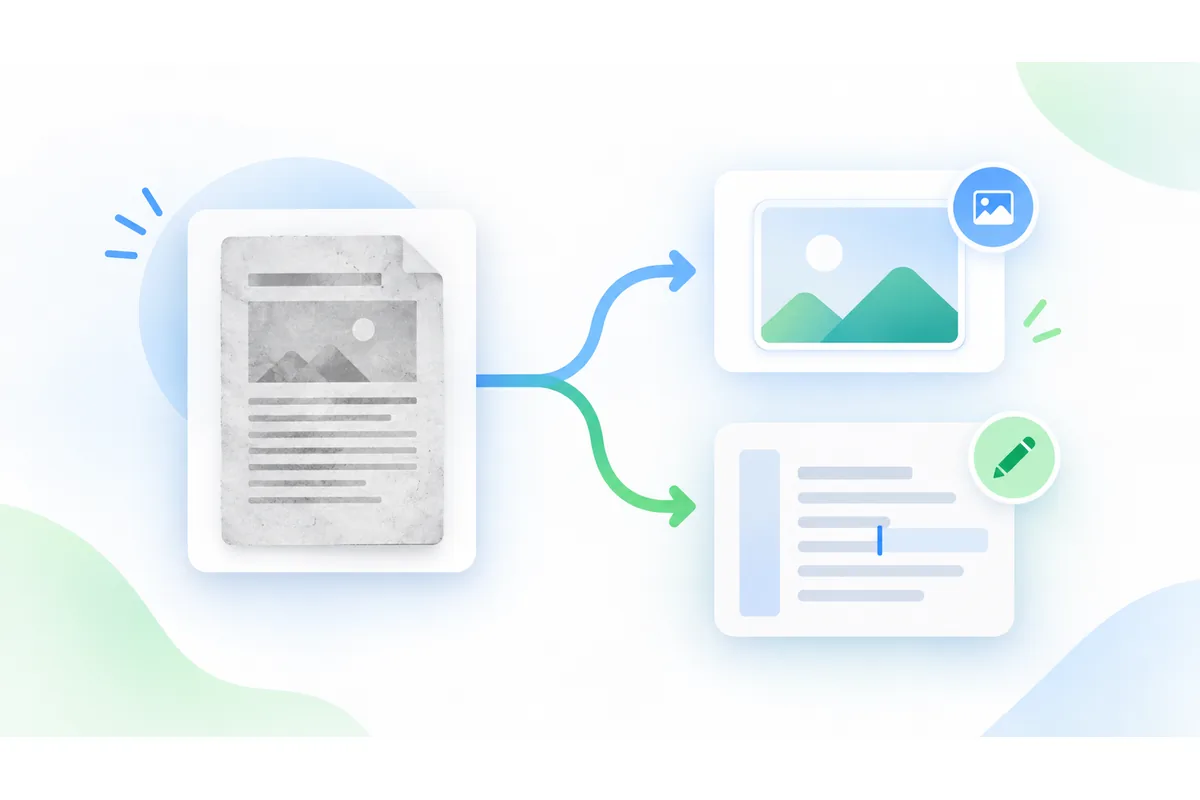
A scanner that fed a page in sideways, a phone photo saved into a PDF at ninety degrees, a spreadsheet printed landscape into a portrait document: all of them leave you tilting your head, or turning the view every time you open the file.
Turning the view in a reader does not change the document — reopen it and it is sideways again. This writes the rotation into the file itself, so the page is upright wherever it is opened next, including in print.
How to rotate a PDF
Add your PDF
Drop it on the box above, or click to pick it. The page count appears straight away.
Choose the turn
90° right, 180°, or 90° left. A page that arrived upside down wants 180°; most sideways scans want one of the quarter turns.
Pick the pages
Leave the selection empty to turn the whole document, or list the ones that need it: 2, 5-7. Then press Rotate PDF and download.
Rotation is added, not set
Pages carry their own rotation already. A scanner routinely writes a page that is stored one way and displayed another, and plenty of documents mix upright and rotated pages in the same file.
The turn you choose is added to whatever each page already has, rather than forcing every page to one angle. That matters on a mixed document: setting them all to 90° would straighten the sideways pages and tip the upright ones over.
Because it is additive, two 90° turns make 180°, and four bring a page back where it started — so a mistake costs one more pass, not a lost file.
Turning only some pages
Most of the time a document is not uniformly wrong. One page came out of the feeder the other way, or the landscape tables in the middle need turning while the text pages are fine.
The page box takes the same shorthand a print dialog does: 2, 5-7 turns page two and pages five to seven and leaves the rest alone. Empty means the whole document.
If you are not sure which pages are wrong, open the file in any reader first and note the numbers — nothing here is destructive, but one pass with the right list is quicker than three without.
What rotating does not do
Nothing is re-rendered. The rotation is a property written onto the page, not a redrawing of its contents, so text stays text, a scan keeps its exact resolution, and the file grows by almost nothing.
It does not crop or resize. A landscape page turned upright is still a landscape page, now standing on its end; if you need it to fit a portrait sheet, that is a print setting rather than a rotation.
Password-protected PDFs cannot be opened here at all. Remove the password in the application that made the file, then rotate the unprotected copy.
Which turn to choose
What each option does to a page.
| Option | Turns the page | Use when |
|---|---|---|
| 90° right | A quarter turn clockwise | The top of the page is currently on the left. |
| 180° | A half turn | The page is upside down. |
| 90° left | A quarter turn anticlockwise | The top of the page is currently on the right. |
When people rotate a PDF
A scan fed in sideways
One page out of a batch that went through the feeder the wrong way round.
Landscape tables in a report
Wide spreadsheets printed into a portrait document, turned so they read normally.
Phone photos saved as PDF
Pictures whose orientation was lost on the way into the document.
A document about to be printed
Fixing the rotation once, in the file, instead of in every reader that opens it.