Convert JPEG to JPG
Change a .jpeg file to .jpg with no quality loss — the image stays byte for byte identical. Free, in your browser.
Your file
Why use this tool
- No file size limit
- Nothing is uploaded
- No signup needed
A .jpeg and a .jpg file hold one format under two names. Only the extension differs, and yet some upload forms, apps and content systems accept “.jpg” and refuse “.jpeg”. Renaming the file by hand works, but the extension is often hidden on Windows and awkward to change on a phone.
This converter does it for you, properly: because the format is already right, nothing is re-encoded. Your JPEG goes through untouched and comes back named .jpg, with exactly the same pixels and exactly the same quality. It runs in your browser — no upload, no account, no watermark.
How to convert JPEG to JPG
Add your JPEG
Drag the .jpeg file into the box, or click to browse.
Keep JPG selected
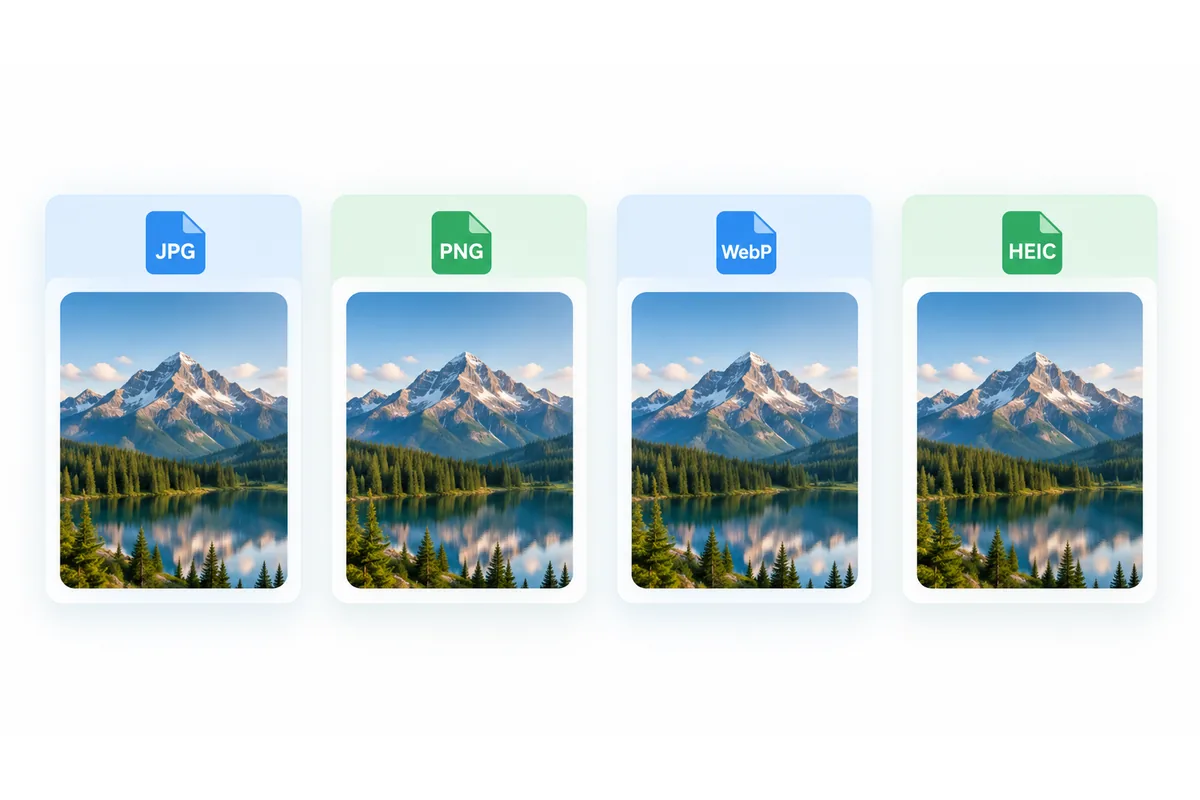
JPG is already chosen. PNG and WEBP are there if you actually need a different format.
Convert and download
Press Convert to JPG. The file comes back as .jpg at exactly the same size — that is expected, because nothing was recompressed.
Why JPEG and JPG both exist
Both names come from the Joint Photographic Experts Group, the committee behind the standard. Early versions of Windows only allowed three-letter file extensions, so the format was saved as .jpg on PCs and as .jpeg elsewhere. Modern systems accept both, and .jpe and .jfif are further spellings of the same thing.
Because the formats are identical, a proper JPEG to JPG conversion should not touch the image at all. Many online converters decode and re-save it anyway, which costs a little quality every time; this one doesn't. Files ending in .jfif are JPEGs too, and JFIF to JPG renames them the same lossless way.
What this conversion changes — and what it doesn't
Only the name changes: “photo.jpeg” becomes “photo.jpg”. The pixels, the compression and the file size are identical, and so is everything stored inside the file, including EXIF data such as the capture date, camera model and, if your phone recorded it, the location.
If you want that metadata gone, or the file smaller, use Compress JPG instead: it re-encodes the photo, which drops the EXIF data and reduces the size at the same time.
Renaming .jpeg to .jpg yourself
On Windows 11, open File Explorer and choose View → Show → File name extensions; on Windows 10 the same checkbox is on the View tab. Then rename the file, change the ending to .jpg and confirm the warning about changing the extension.
On a Mac, select the file in Finder, press Return, change .jpeg to .jpg and choose "Use .jpg" when asked. Phones usually hide the extension, which is where this page is quicker: the renamed copy downloads with one tap.
JPEG compared with JPG
The honest comparison is short.
| .jpeg | .jpg | |
|---|---|---|
| Image format | JPEG | JPEG |
| Compression and quality | Identical | Identical |
| Origin of the extension | Mac, Linux, early Unix | Windows three-letter limit |
| Accepted by upload forms | Usually | Almost always |
When you need .jpg rather than .jpeg
An upload form only lists .jpg
Some forms check the extension literally and reject .jpeg even though the format is the same.
Website and CMS rules
Themes, scripts and build tools sometimes expect a single extension across all images.
Tidy file names
Mixed .jpg and .jpeg files in one folder make sorting and scripting harder.
Files from cameras and messaging apps
Some cameras and apps save .jpeg or .jfif. Converting gives you a plain .jpg.