Reduce Image Size Online Free
Make an image fit your upload budget. Start at 500KB, enter another maximum or combine compression with resizing and a supported output format.
Your file
Drag & drop an image, or click to browseTap to choose an image
JPG, PNG or WEBP
Options
1 KB = 1,000 bytes; 1 MB = 1,000,000 bytes. The tool searches for a quality that fits and may reduce dimensions. Check the final size and target status.
Add a file to get started.
Why use this tool
No file size limit
Full-size photos and long documents, straight from your device.
Nothing is uploaded
Processed entirely in your browser. Your files never leave your device.
No signup needed
Open the tool and go. No account, no email.
Reducing image size can mean two different tasks: making the file lighter in kilobytes or reducing its width and height in pixels. This page focuses on the file-size problem and provides optional resizing when fewer pixels would help. It opens in target-size mode at an editable 500KB maximum, so you can immediately replace that value with the allowance stated by a form, email workflow or publishing system.
You can work with JPG, PNG and WebP images and choose a supported output format after opening the file. JPEG and WebP use quality-based encoding, while PNG can use a reduced color palette. The tool compares the real output size with your selected budget and may reduce dimensions when necessary. It does not promise that every picture will reach every possible target without visible changes.
How to reduce image file size
Choose an image
Open a JPG, PNG or WebP from your device.
Set your allowance
Change the 500KB starting value, then optionally adjust dimensions or output format.
Review the smaller copy
Check the target message, preview and dimensions before downloading.
Start with the requirement, not a guessed setting
Check whether the receiving service specifies a file-size maximum, pixel dimensions, accepted formats or a combination. A 1000-pixel-wide image is not automatically a 100KB file, and a 100KB file may still have the wrong dimensions. Enter the stated KB or MB allowance first. This page uses decimal units, so 500KB means 500,000 bytes and 1MB means 1,000,000 bytes.
The initial 500KB value is a starting point, not a recommendation for every image. If you already know that a JPEG must fit 200KB, the 200KB JPG tool opens that exact workflow. For a transparent graphic with a strict limit, Compress PNG to 100KB keeps the PNG-specific controls and guidance together. Use the custom target here for other allowances or mixed formats.
Combine compression, resizing and format choice
Compression reduces the information stored per picture; resizing changes the number of pixels that need to be stored. These methods can work together. A photo displayed at a small width rarely needs the full pixel count of its camera source, but an image intended for detailed inspection may. Use the resize fields when you know the desired starting dimensions, and keep the aspect ratio locked unless stretching is intentional.
After opening a file, choose whether to keep its format or save as another supported format. JPG suits photographs when transparency is unnecessary. PNG is useful for transparent graphics and screenshots, although reducing its palette can change colors. WebP is worth comparing for a website that accepts it. Image to WebP offers a dedicated conversion workflow when format is your main concern.
Review a useful result rather than the smallest result
A successful reduction should preserve the information people need. Check faces, product details, small text and smooth color transitions in the preview and downloaded file. The tool shows original and output sizes, the percentage change and final dimensions. In target mode it also says whether the maximum was reached. If the target was missed, the output is a best attempt and should not be treated as compliant with that limit.
An already optimized image may not shrink when encoded again at a higher quality. When the original already fits and no format or dimension change is requested, this tool returns it unchanged. Otherwise, compare the new copy with the original and keep whichever better serves the task. Avoid repeatedly compressing a compressed JPEG, because successive lossy saves can accumulate artifacts without providing a useful saving.
A local workflow for everyday image preparation
The tool is free, requires no signup and processes your picture in the browser on your device. No image is uploaded to a compression server, and there is no added watermark. On a phone, select an image from your files or photo library and allow processing to finish before closing the tab. Larger dimensions and limited device memory can increase the time required.
Keep the source image separately for future edits or print work. The smaller copy is intended for the task you selected, not necessarily as a replacement for your best original. If your main goal is to change width and height without pursuing a byte target, use Resize Image. If the original is HEIC or AVIF, convert it with the appropriate conversion tool before using this JPG, PNG and WebP compressor.
Choose the adjustment that matches your task
File size, dimensions and encoding are related but different.
| Need | Useful control |
|---|---|
| Fit an upload limit | Target file size in KB or MB |
| Change width and height | Resize option or the dedicated resizer |
| Change the file format | Save as JPG, PNG or WebP |
Features for everyday size reduction
Free custom targets
Enter the KB or MB allowance that your destination needs.
No signup
Use the compressor without creating a profile.
Private image handling
The picture is processed locally in your browser.
Works on mobile
Resize and compress with controls that fit a phone screen.
Quick result comparison
View output size, dimensions and savings before saving.
Frequently asked questions
- How do I reduce image size in KB online?
- Add a JPG, PNG or WebP, enter a maximum in KB and process it. The tool searches for an output within that allowance and reports if it cannot reach it.
- Does reducing file size also resize the picture?
- It can. The target search may reduce dimensions when encoding changes alone are insufficient. Check the final width and height, or use Resize Image for a dimension-first workflow.
- Can I use this image reducer for free without an account?
- Yes. Custom targets, previews and downloads are available without signup or payment.
- Is my image sent to a cloud service?
- No image is uploaded for compression. Processing happens on your device in the current browser tab; downloading saves the result to a location you choose.
- Which image formats can I reduce here?
- This page accepts JPG, JPEG, PNG and WebP, with JPG, PNG and WebP output. Convert HEIC or AVIF first using the corresponding image conversion tool.
From the blog
All articles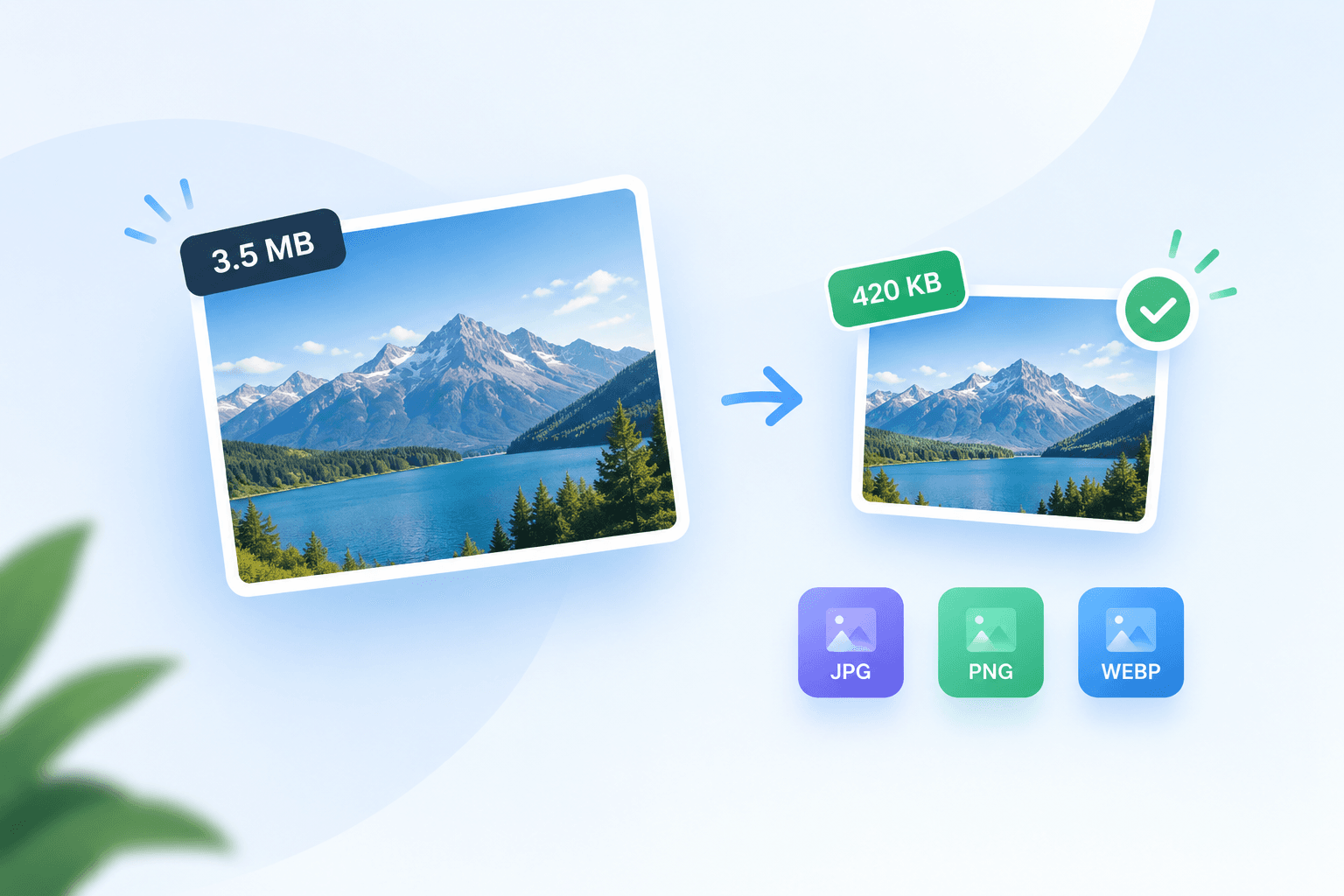
Related tools
Compress JPG to 200KB
Fit a photo under 200KB with room for useful detail.
Compress PNG to 100KB
Reduce PNG graphics toward 100KB while retaining transparency.
Image to WEBP
Convert JPG, PNG, HEIC or AVIF to WEBP for lighter web pages.
Resize Image
Set exact pixel dimensions or scale a photo by percentage.
Compress Image for Email
Prepare lighter email attachments with an editable 1MB starting budget.
Compress Image
Cut file size for faster pages and lighter uploads, without visible quality loss.