Compress Image for Email Online Free
Shrink an image before attaching it to an email. Start at 1,000KB (1MB), adjust the budget and download a copy to send from your own mailbox.
Your file
Drag & drop an image, or click to browseTap to choose an image
JPG, PNG or WEBP
Options
1 KB = 1,000 bytes; 1 MB = 1,000,000 bytes. The tool searches for a quality that fits and may reduce dimensions. Check the final size and target status.
Add a file to get started.
Why use this tool
No file size limit
Full-size photos and long documents, straight from your device.
Nothing is uploaded
Processed entirely in your browser. Your files never leave your device.
No signup needed
Open the tool and go. No account, no email.
A large photograph can make an email slow to upload or leave little room for the other attachments in your message. This tool prepares a smaller image before you attach it. It starts with an editable maximum of 1,000KB, equivalent to 1,000,000 bytes or 1MB on this page. That is a convenient starting budget for one picture, not a claim about the limit of your email account or the recipient’s mailbox.
Open a JPG, JPEG, PNG or WebP, choose the allowance you need and review the output. Processing happens in your browser, so no email address, account login or signup is needed. The tool creates a downloadable file; it does not send a message or connect to your mailbox. Once you have checked the copy, attach it yourself using the email application you normally use.
How to compress an image for an email
Choose the attachment
Open a JPG, PNG or WebP from your device.
Allow room for other files
Use the 1MB starting budget or enter a smaller maximum for each picture.
Download, then attach
Check the result and add the downloaded copy in your email app.
Budget for the whole message, not just one photograph
An attachment budget applies to the collection of files you intend to send. For example, four images of roughly 1MB each add up to roughly 4MB of image files before considering the rest of the message. Leave room for documents, signatures and the email’s encoding overhead. If you know the permitted total, divide the available space between the images and keep some margin rather than using the entire allowance for every photo.
Email services and workplace administrators can impose different sending and receiving limits. Check the rules for the account and destination involved instead of assuming one universal maximum. Google describes this distinction in its Gmail attachment guidance. Reducing a file does not guarantee delivery when a message is blocked for another reason. A bounced email may need a different remedy, such as correcting the address or contacting the recipient.
Choose a file the recipient can use
Keep JPG for an ordinary photograph when the recipient expects that format. PNG can be useful for screenshots or artwork with a transparent background, but reducing its color palette may alter subtle shades. WebP is another supported option; check that the recipient’s application accepts it before changing formats. The tool keeps the source format by default and shows alternative output choices after you select an image.
If the source is an iPhone HEIC photo, use HEIC to JPG before this compressor. Renaming the extension is not a conversion. For a screenshot, inspect the smallest text after processing; a lightweight attachment is not helpful if the error message or reference number becomes unreadable. Keep a higher-quality copy when the recipient needs to zoom, edit or print rather than just view the image in a message.
How the email preset reduces the attachment
The compressor tries encoding settings and measures the actual output against your chosen maximum. JPEG and WebP use quality adjustments; PNG can use a smaller color palette. If these changes are insufficient, the image may be scaled down proportionally. You can also request starting dimensions with the resize controls. The result states whether the target was met and shows the final width and height, so review those before downloading.
If you need a different allowance, enter it in KB or MB. Reduce Image Size provides the same custom-budget workflow with broader guidance, while Compress Photo Online starts with a smaller photo-sharing preset. When dimensions are the main concern, use Resize Image. Merely displaying a large photo at a smaller size inside a message is not the same as creating a smaller attachment file.
Check the downloaded copy before you attach it
Compare the original and output sizes, then inspect the details the recipient actually needs. If the target was missed, choose smaller dimensions or a larger allowed budget and try again from the original. This workflow handles one image at a time. For several photographs, download each prepared copy and add their sizes together before attaching them; it does not create a batch archive or calculate the finished email’s transmitted size.
An image that already fits, without a requested format or dimension change, is returned unchanged, including its metadata. Other images are encoded into a separate copy. Your source stays on your device, and compression is free with no added watermark. On mobile, keep the tab open until the result appears. After you attach the download, your email provider handles that file under its own service settings and policies.
Plan an attachment budget
These are arithmetic examples for planning, not provider-specific sending limits.
| Images | Budget per image | Image files combined |
|---|---|---|
| 1 | 1MB | Up to 1MB |
| 4 | 500KB | Up to 2MB |
| 6 | 200KB | Up to 1.2MB |
Features for preparing email attachments
Free attachment preparation
Compress and download without a paid plan.
No mailbox login
Use the tool without giving it your email credentials.
Local image processing
The compressor keeps image data in your browser.
Mobile-friendly download
Prepare a copy on your phone or computer.
Useful size feedback
Review the file budget and output before attaching.
Frequently asked questions
- What size should I choose for an email photo?
- Start with the editable 1MB budget and adjust it for the number of attachments and the recipient’s requirements. There is no single file size that guarantees delivery through every email service.
- Can this tool send the compressed attachment for me?
- No. It prepares a downloadable image. Attach that copy yourself in your email application; no mailbox connection or email address is required.
- Is preparing smaller email attachments free?
- Yes. Compression, the preview and the download are free and require no signup.
- Will reducing a screenshot make the text harder to read?
- It can. Palette changes or smaller dimensions may affect characters. Inspect the downloaded screenshot at its intended size and allow more space when essential text is unclear.
- Does the email compressor upload or store my attachment?
- It processes the image locally in your browser and does not upload it to our processing servers. If you later attach the file to a message, your email provider handles that separate action.
- Which image formats can I compress for an email attachment?
- You can compress JPG/JPEG, PNG and WebP attachments. The tool initially keeps the supported input format, and you can change the output format. JPG is useful for photos, while PNG can retain transparency in screenshots or logos.
From the blog
All articles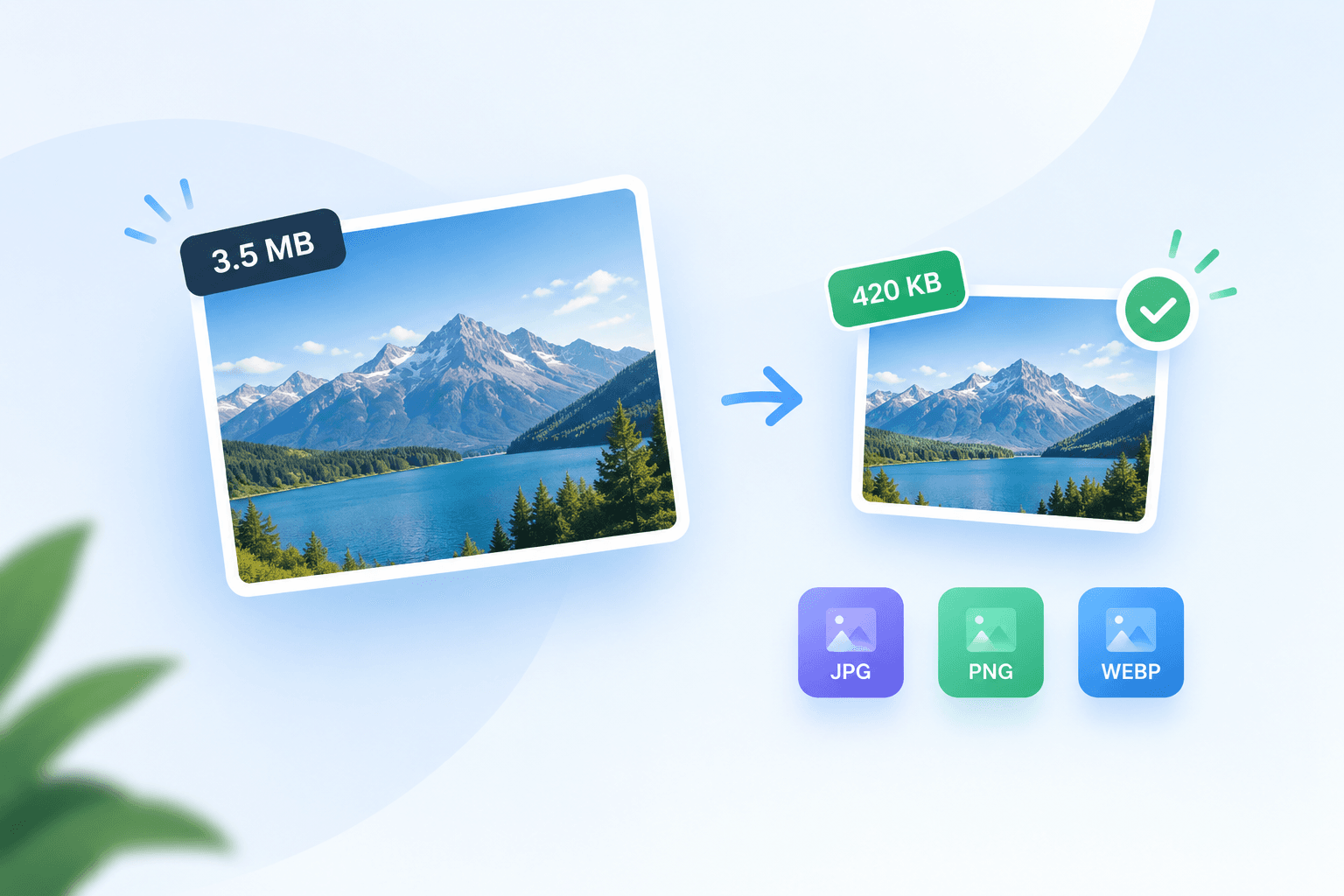
Related tools
Compress Photo Online
Prepare a sharing copy with a 300KB target and a 1600px long edge.
Reduce Image Size
Choose a custom KB or MB budget for JPG, PNG or WebP.
HEIC to JPG
Turn iPhone HEIC photos into JPGs that open anywhere.
Resize Image
Set exact pixel dimensions or scale a photo by percentage.
WhatsApp Image Compressor
Create a lighter sharing copy with a 300KB target, a 1280px long edge and JPG selected.
Image to PDF
Combine JPG, PNG, HEIC and other images into one PDF.